The best terminal emulator for Windows 10's Bash or how to run X applications
update as of 03/2017
As this article is by far the most popular on my site right now I feel that an update is necessary, as the landscape evolved a bit since the original publish date. Conemu started to support Bash on Windows properly now and this is what I settled on in the end. The article below is still relevant for the running X applications on Windows part though.
I've been playing a bit with GNU/kWindows a.k.a. Bash on Windows a.k.a Windows Subsystem for Linux (Beta). I was especially interested whether I can use my regular Linux dotfiles to recreate my working environment of zsh + tmux + vim. The biggest troubles I had were with the terminal emulator. While the default one, invoked by saying bash is much better than powershell or cmd.exe already - it lacks some things I've learned to rely on, like 256-colour palette support. Thus the search for the ultimate terminal emulator begun. I tried ConEmu, cmder and their spinoffs to no avail. Either the colours were lacking, or the emulator would swallow up certain strokes like the arrow keys. Then I thought - hey, I use terminator on Linux, maybe it would be possible to use it here as well. To my surprise the answer was - yes !
- install Windows Subsystem for Linux
- restart Windows
- install VcXsrv
- run VcXsrv
- invoke the following from the bash console:
sudo apt-get install terminator
DISPLAY=:0 terminator -u- profit !
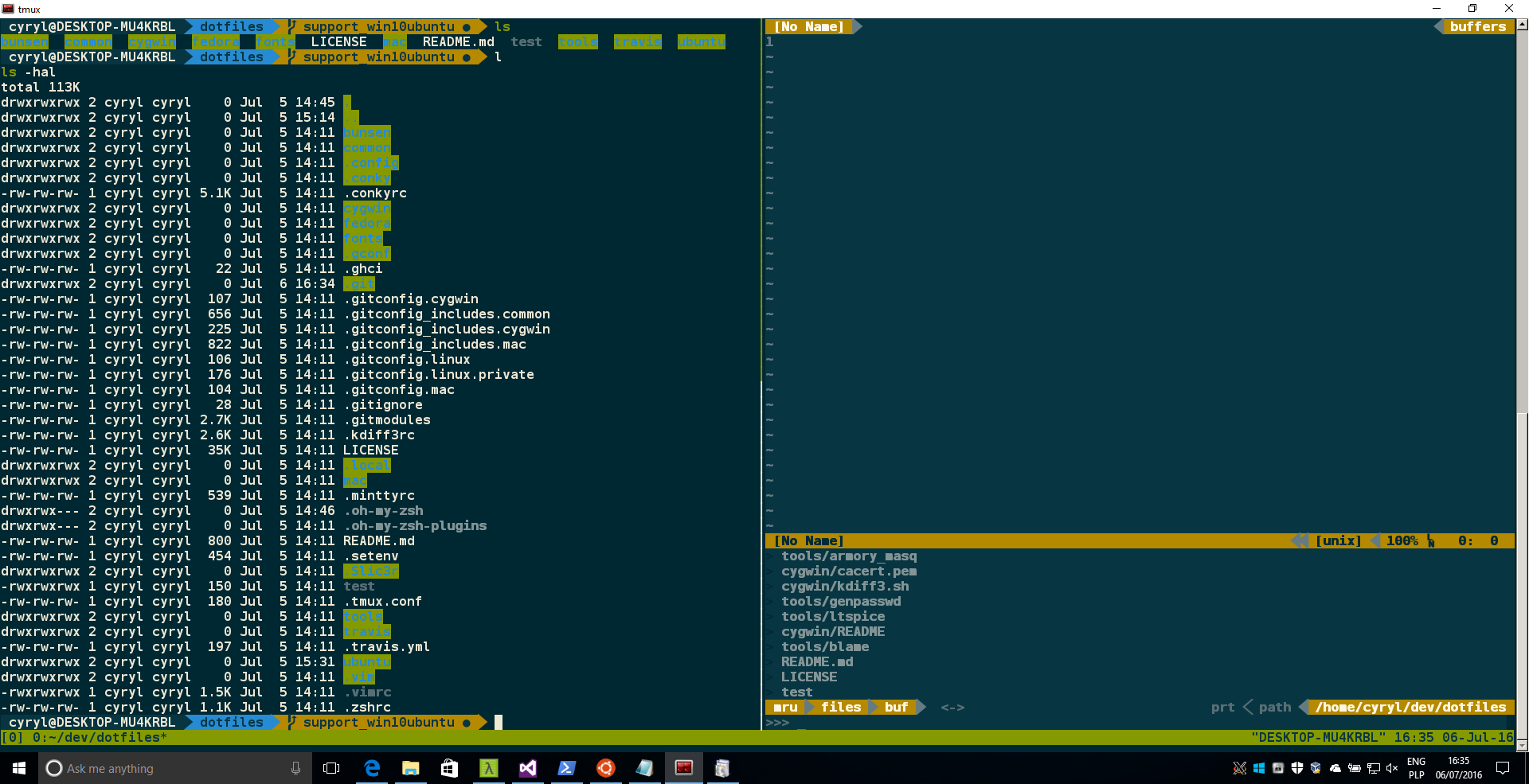
The font rendering is not ideal and the borderless mode does not work, but hey, it is quite usable nonetheless ! It even has bidirectional clipboard sharing with Windows' windows, which is good. P.S. konsole and gnome-terminal do seem to have troubles launching (crashy-crashes there)